Package Design tool
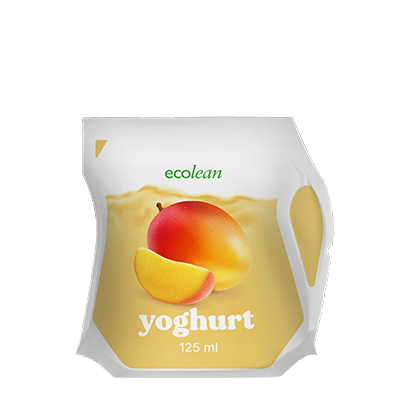
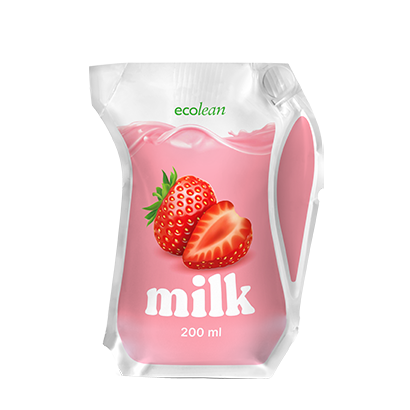
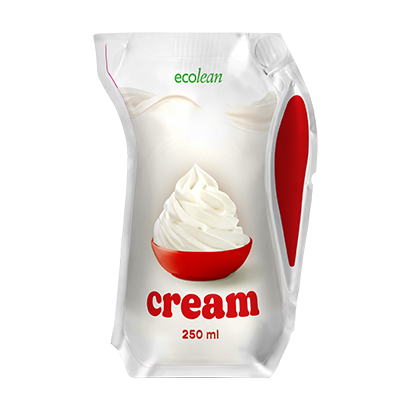
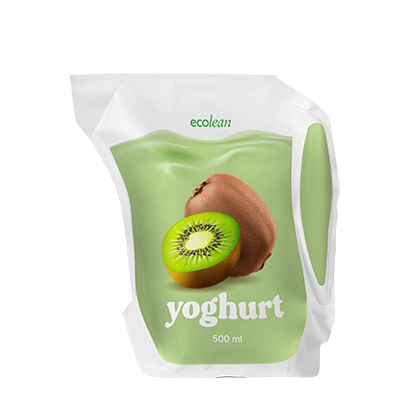
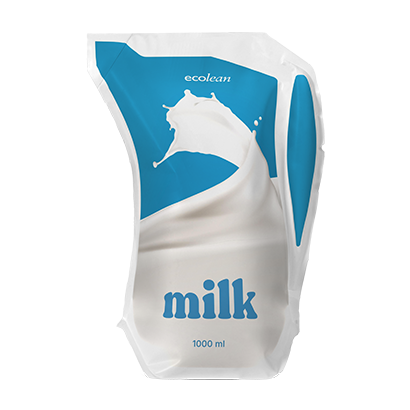
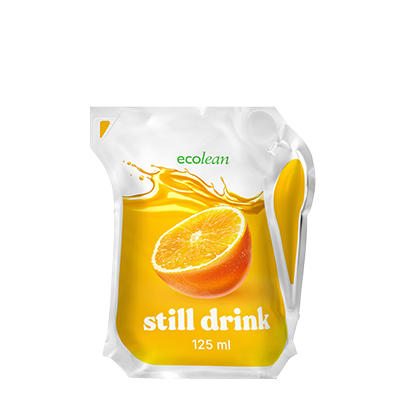
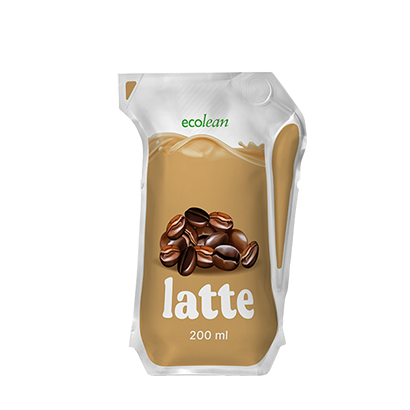
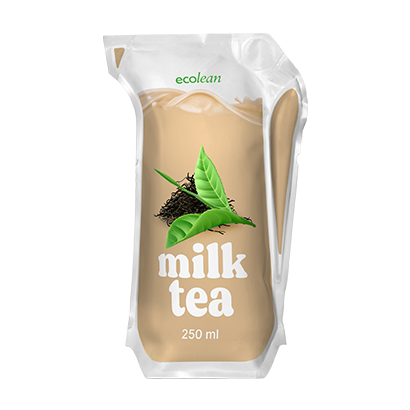
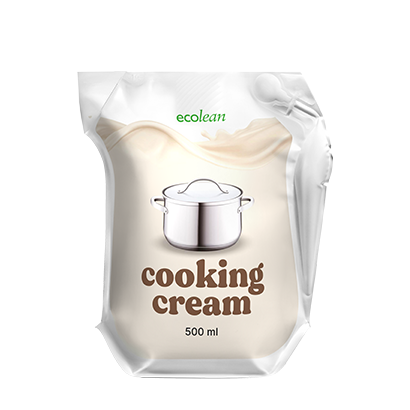
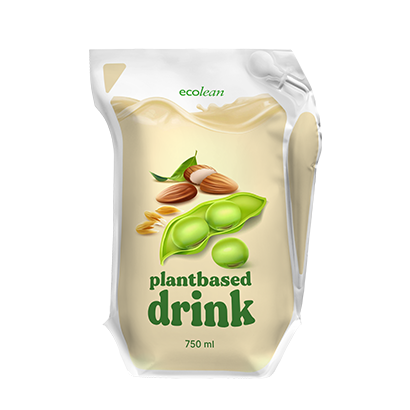
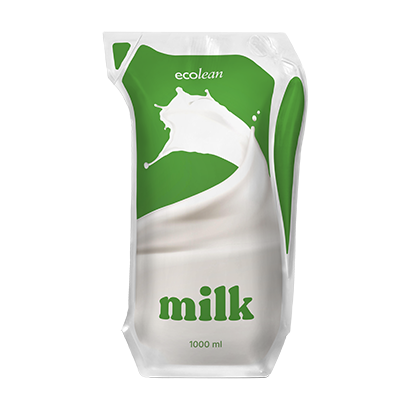
Your design on an Ecolean package
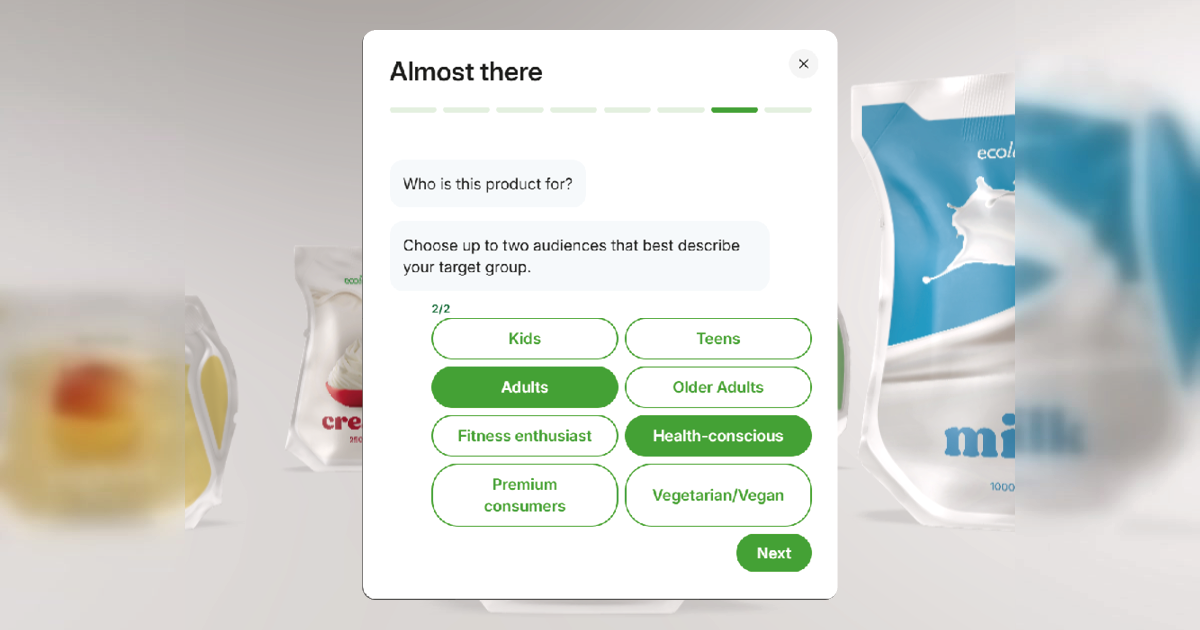
Let AI design you package
Answer a few questions and the tool generates a design for you. Upload a reference image and your logo if you have them, then tell us the product name, product type, visual style, colours, language and who the product is for.
You can generate again as many times as you like. AI results vary, so treat the first attempt as a starting point rather than a finished design.
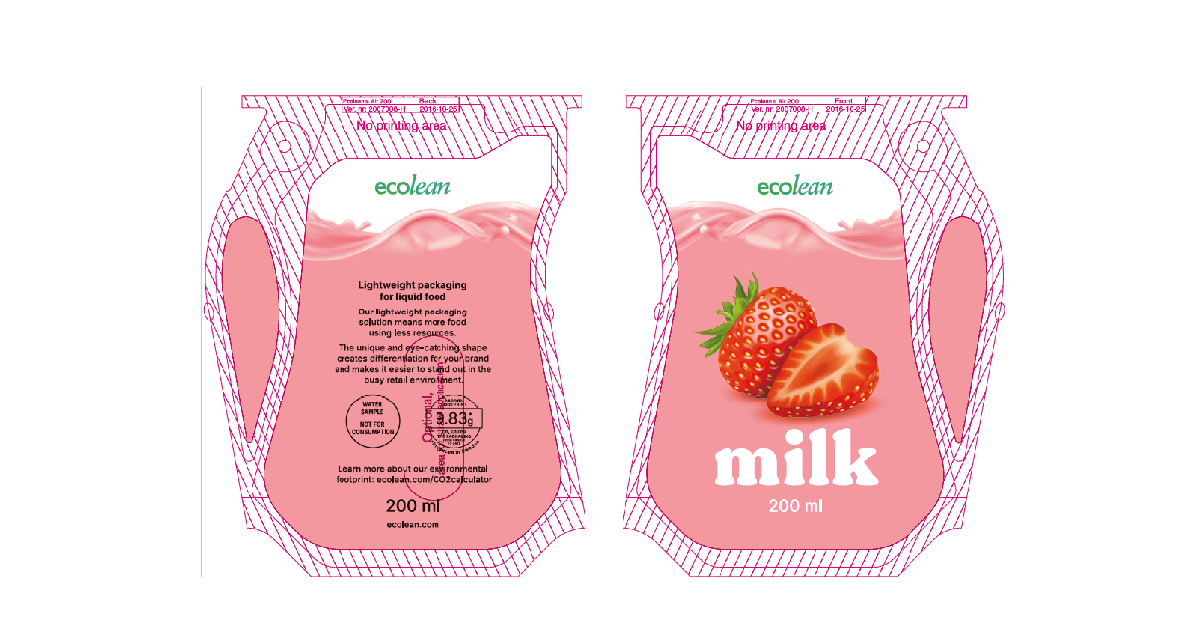
Create your own design
Download a template for the package size you have chosen, in PDF, Photoshop or Corel Draw format. Create your design and save it as a PNG, JPG or PDF file and upload as many versions as you like until the result is right.
Please note that these templates are made for this tool. For print-ready files, contact our customer service team.
How it works
1. Choose your package: Pick an aseptic or chilled package in the size you need.
2. Add your design: Let the AI generate one from your answers, or upload your own artwork.
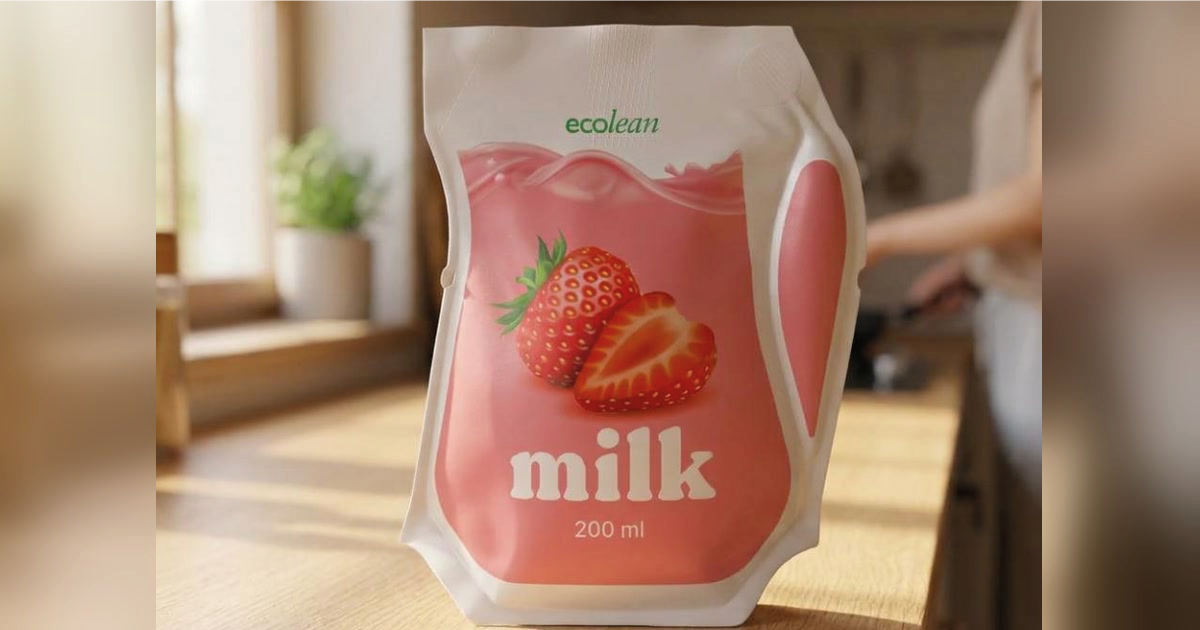
3. View it in 3D. Turn the package around, look at the front and the back. Click Showcase to place it on a supermarket shelf or in a kitchen.
4. Export and download. You will be asked for your name and email address before exporting your high-resolution PNG image.
Select your package
- Chilled Packages
- Aseptic Packages